Congo Basin Group
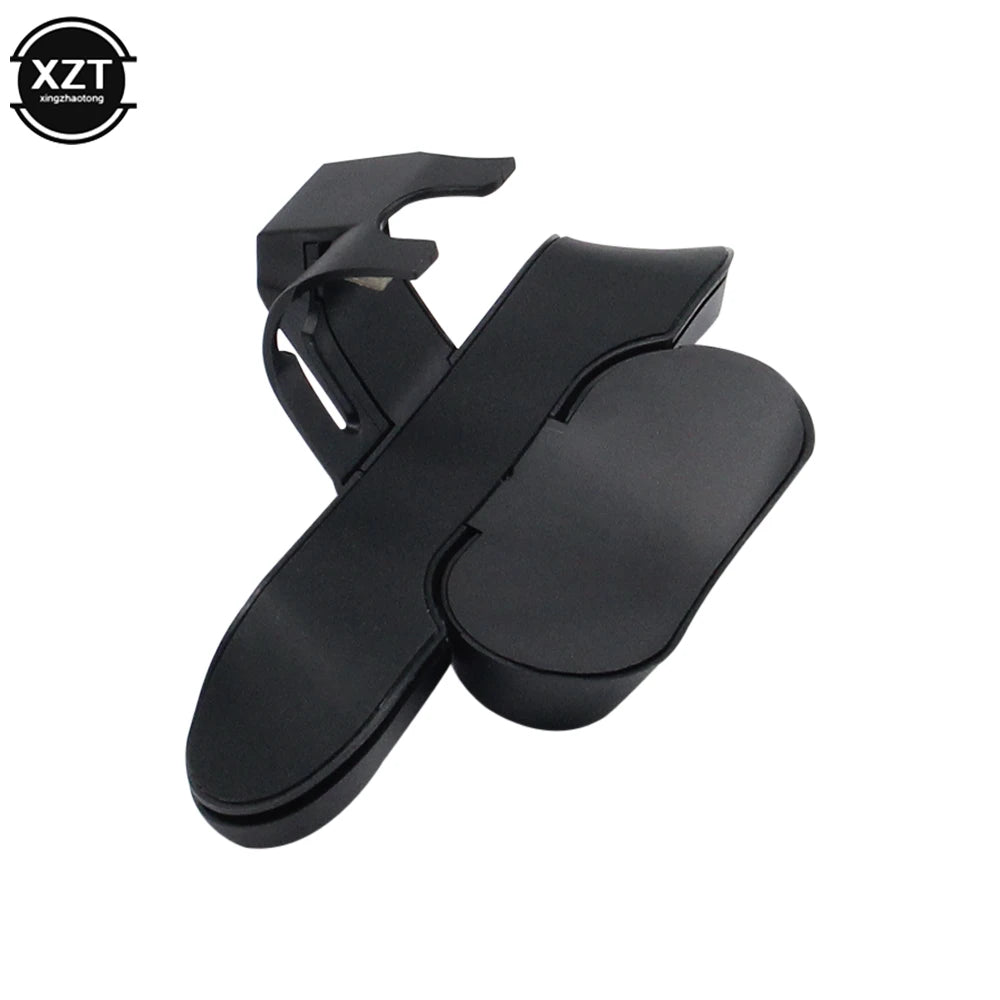
PS4 Controller Back Button Attachment – Extended Paddles Joystick with Turbo Key Adapter, Gamepad Rear Button Accessory
PS4 Controller Back Button Attachment – Extended Paddles Joystick with Turbo Key Adapter, Gamepad Rear Button Accessory
Couldn't load pickup availability
Upgrade your PS4 gaming experience with the WYMECT Back Button Attachment for 2nd Generation Original PS4 Controllers. 🎮 This extended joystick paddle accessory lets you customize back-button mapping, giving you faster reaction times and more control during intense gaming sessions. With support for TURBO burst functionality, this handle adapter is perfect for competitive gamers, streamers, and casual players who want precision and performance at their fingertips.
Crafted from durable ABS material, the attachment includes 14 digital keys (Δ, ○, ×, □, R3, L3, R2, L2, R1, L1, TURBO, SET) and supports memory programming so your customized setup remains even after unplugging. Easy to install, plug-and-play design works with Sony PS4 2nd Generation Original Controllers to elevate your gaming without extra software or batteries.
🌟 Key Features
-
Back button extension: Adds programmable paddles to your PS4 controller for faster action.
-
14 programmable keys: Map any of the buttons (Δ, ○, ×, □, R1/L1, R2/L2, R3/L3) to M1 or M2.
-
Turbo burst function: Enable rapid-fire action for compatible games.
-
Memory retention: Keeps last programming even after removing the attachment.
-
Plug & play: No USB or batteries required, powered directly by the controller.
-
Durable ABS construction: Lightweight, sleek, and built for gaming endurance.
-
Compact design: Measures 99.5 x 57mm, fits neatly on the back of your controller.
💡 How to Use
-
Programming: Long press the SET button, press M1 or M2, and assign your preferred button mapping.
-
Memory function: Retains programmed buttons when reconnected.
-
Turbo setting: Hold M1/M2 + TURBO to enable continuous rapid-fire; press again to cancel.
-
Reset: Long press SET for 5 seconds to clear functions.
Perfect for FPS, MOBA, fighting games, and fast-paced action titles, this PS4 back button attachment transforms your gameplay by letting you perform complex maneuvers without removing your thumbs from the joysticks.
Share